
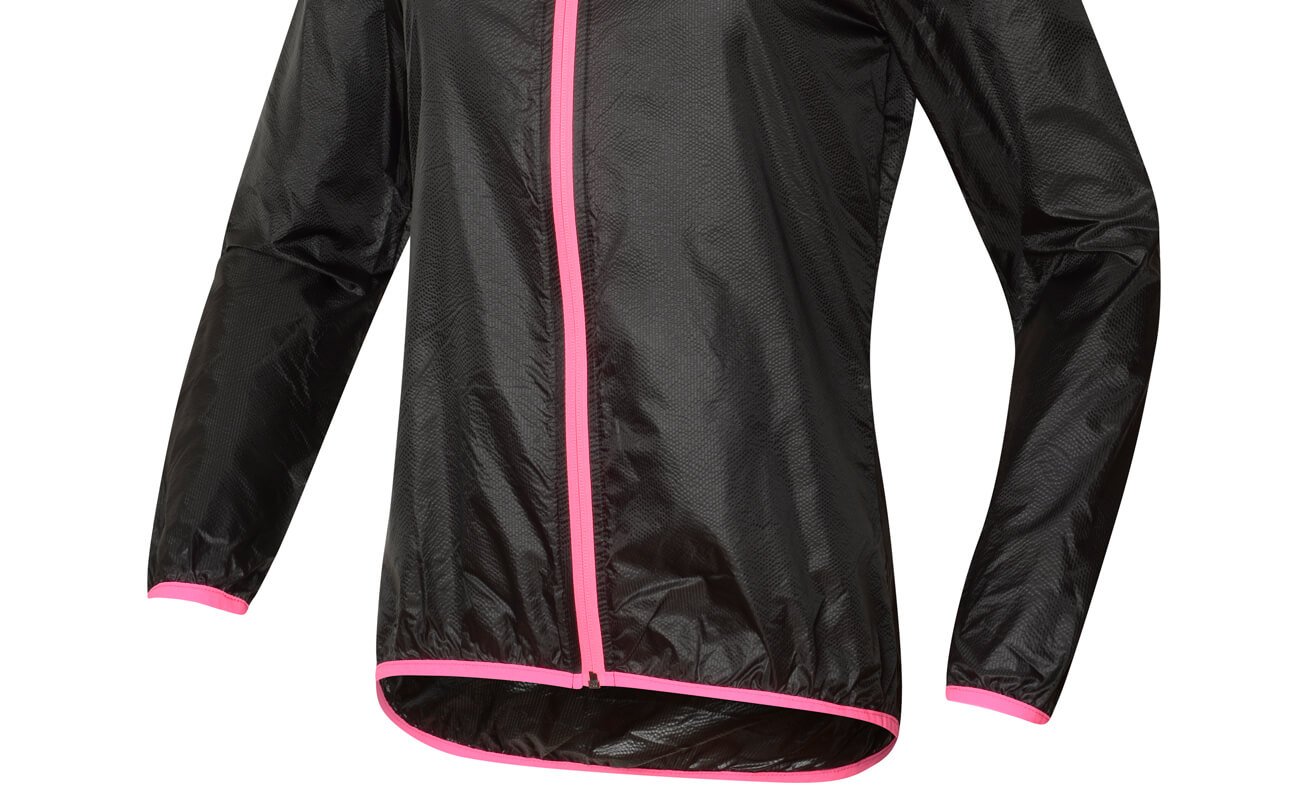
Ghost Retouching Service
Ghost retouching services place invisible forms inside clothing to make the clothing appear in a 3D effect. It is a great way to demonstrate how clothing actually looks and fits.
In a brick and mortar store they use mannequins to show how clothing looks. In an eCommerce catalog, you can use an invisible mannequin to show all of the best features of the item you have for sale.
60 Qualified Professional
5 Years Expreience
24×7 Support

Neck Joint Services
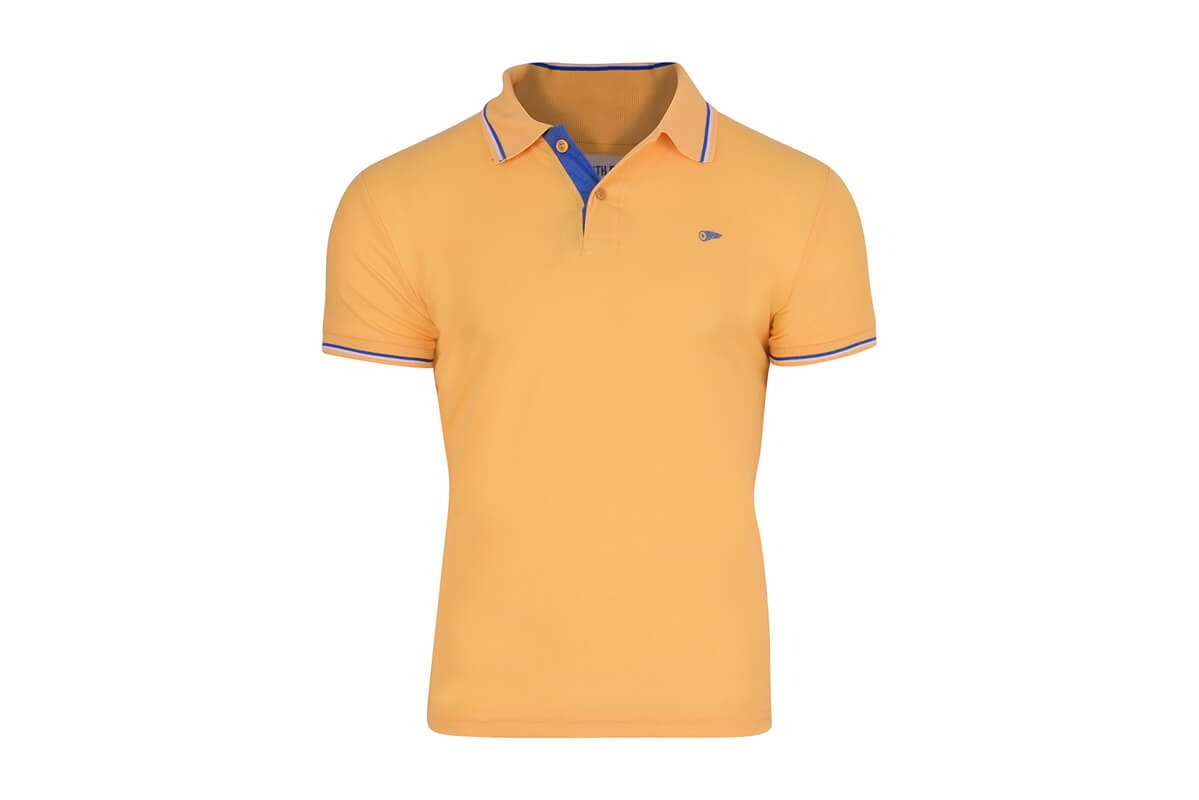
Neck joint services showcase the upper section of the body. They are mannequins that do not have heads or arms but have full torsos so they show exactly how clothing designed for the upper body looks.
The neck joint services take the different shirt images and jacket images you provide and fill them out using a ghost mannequin so your shoppers get a clear picture of the clothing.
Bottom Joint
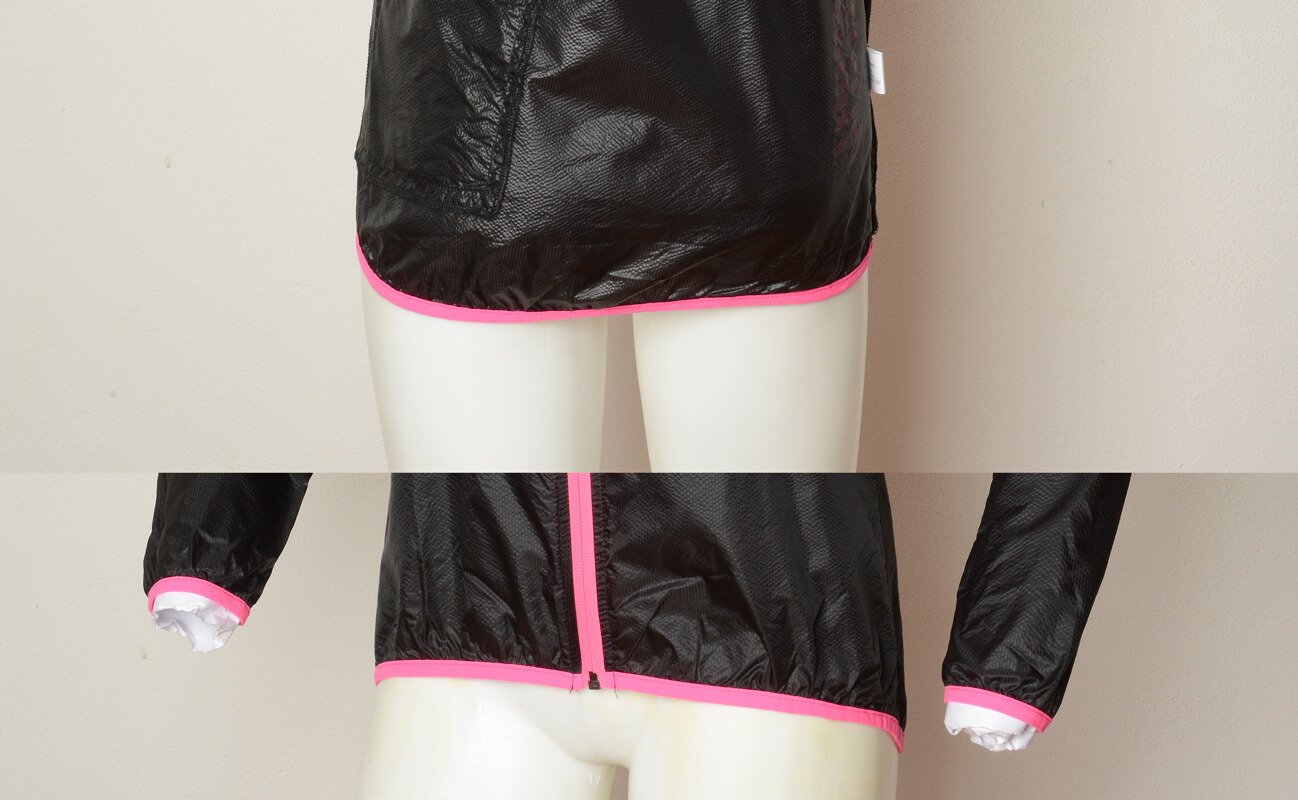
Bottom joint services showcase pants, bikini bottoms, jeans, underwear, and other garments that you wear on the lower half of your body. They have no torso and no legs and these mannequins stop at the waist.
They provide shoppers with a clear view of how the bottoms fit and how they look from the front or the back.
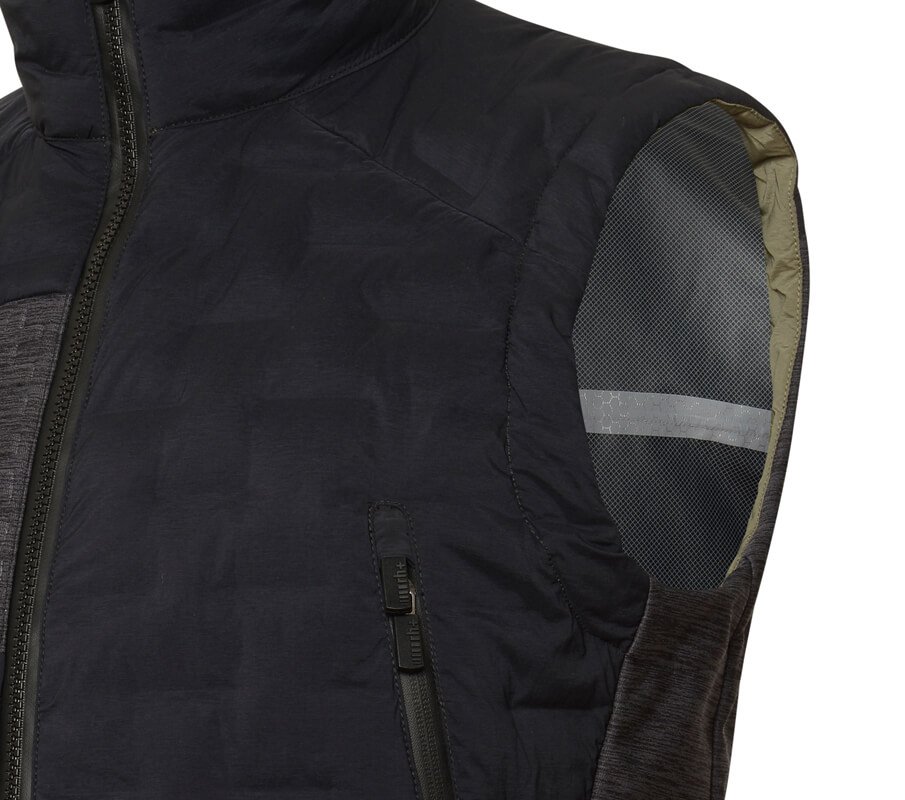
Sleeves Joint
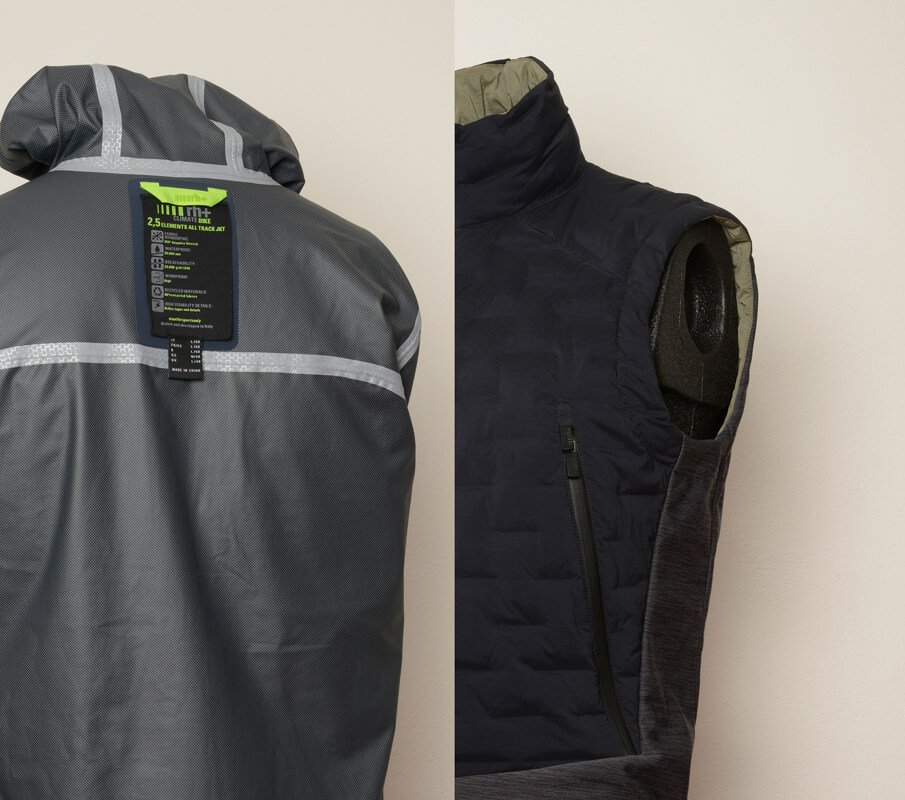
Sleeves joints are upper torso sections that have arms. These mannequins show the shopper how the arms of a garment look while they are being worn. They display the arm filled out like it will be when worn so you know the exact length of the sleeve, how full it is, and how attractive it is.

3D/360° Packshot Ghost Mannequin Effects
This is a method of creating 3D images of the entire mannequin from every possible angle. These shots create a greater detail about the product so people can see exactly how it looks from every possible angle.
This is the shot you would get if you had a model who could turn around and show you every side of the garment they were wearing.
What is Neck Joint?
The neck joint ghost mannequin is the upper torso and neck of a mannequin form. It does not have a head and it does not have arms. It is the torso so it shows how blouses, tops, and garments that fit the upper body will look if they are worn by a human.
These are important mannequin effects because they can show how a female form looks in an article of clothing and they can show both the frontal view of the garment and how it will look from the rear. There are no arms to create shadows, creases or obstacles so the shopper gets a clear image of the clothing.
What are Ghost Mannequin Effects?
Ghost mannequin effects are methods of demonstrating exactly how articles of clothing look on a human form. Brick and mortar stores use mannequins to create displays of the clothing they have to sell. These displays are effective because the customer can visualize how the article will look on them.
These effects show how shirts hang, how the sleeves look, how the backside of a pair of jeans look. They are methods of showing a 3D version of the articles of clothing that you are trying to showcase.
You can have ghost mannequin effects that show the sleeve joint, the neck joint, the bottom joint, or a complete 3D/3600 effect that appears to be an entire body so you can see an entire outfit exactly like it would look on a person.
Why is Ghost Mannequin important?
A ghost mannequin creates dimension and realistic appearances for products. If you take the picture of a shirt lying flat on a table there is no way for the shopper to truly see what the shirt looks like when someone is wearing it. If you place that shirt on a ghost mannequin the shopper can see exactly how the shirt fits, how the material drapes, the length of the shirt on a torso, and more.
People are more likely to buy items that are realistic and natural in appearance. The ghost mannequin provides a realistic and natural appearance to the articles of clothing that you wish to display.
Without the ghost mannequin effect, you simply have a wad of material that you are describing to people. With the mannequin effect you have a modeled article of clothing that is 3 dimensional and more attractive.
This effect will increase your sales drastically and will decrease your returns drastically. Your customers will be more satisfied with their purchases.
Benefits of Ghost Mannequin Effect Photoshop Service?
Ghost mannequin photoshop services allow you to show how clothing will look on a perfect human form. The ghost mannequin always stands in the perfect position and is always the perfect size for the clothing. If you use a real model it can be hard to get them to stand perfectly still in the same position repeatedly.
You can create an entire catalog of clothing images for very little money. Hiring a model to model clothing can be very expensive. You have to hire a model you have to have someone control the lighting perfectly, control the makeup and wardrobe for the model, and then pay the photographer and all of their crew. With a ghost mannequin manipulation service the editing professional can change the look, color, and texture of the clothing on a mannequin to create a full catalog of images that costs very little money.
You will increase your sales of products displayed on a ghost mannequin because the buyer can see how the clothing really looks on a human form instead of just lying flat. You will have far less returns because customers will know exactly what to expect from the clothing and they will be happier when the clothing arrives.
Not Sure How To Rate Your Images
Upload a sample & we’ll tell you the rating
Related Services

E-commerce Image Editing

Background Removal
Starting From $0.28 USD
Shadow Creation
Starting From $0.28 USD
How do you edit a mannequin?
First you have to set up the layer and then use the magic wand tool to establish the background you like. Next you are going to need to create a layer mask so you can warp and clean up the interior portions of the image. It takes time and practice to get the hang of creating a mannequin effect using photoshopping software. The easiest way to do this is hire a photo clipping service that has professionals experienced in this type of photo manipulation service.
How to create a ghost mannequin effect in photoshop
You need to have a solid to the touch mannequin that stands erect to use for your first photo. Once you have photographed the mannequin you can remove the color and detail from it so it does not visibly appear in the photos but the shape is retained. You need a mannequin with arms if you need sleeves or elbow joints. Use a white background or backdrop so you do not interfere with the color of the clothing you are shooting. Be sure to take front and back shots so you can have both available when you make color or style changes to the clothing.
Purana Paltan
Dhaka-1219, Bangladesh
+880 1845 782 291
Sat-Tue 10:30am-6:30pm
info@clippingexpress.com
24 X 7 online support