
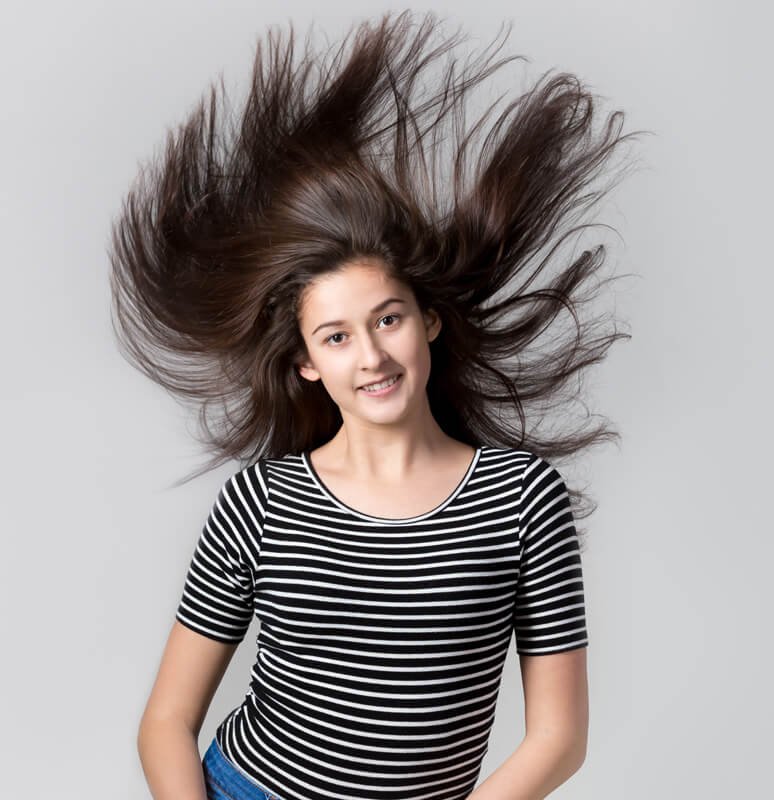
Image Masking Service
Image masking services are capable of taking any photo and working a little artistic magic to turn the photo into a sharper, clearer, image. Image masking services are beneficial to anyone with an online business, to companies creating catalogs, and to individuals who have phots they need to be improved.
There are some DIY image services, but the DIY programs cannot offer you the same quality and result that a professional service can. Trying a professional service, just once, will show you the difference between perfection, and “good enough”.
60 Qualified Professional
5 Years Expreience
24×7 Support
Layer Masking Service
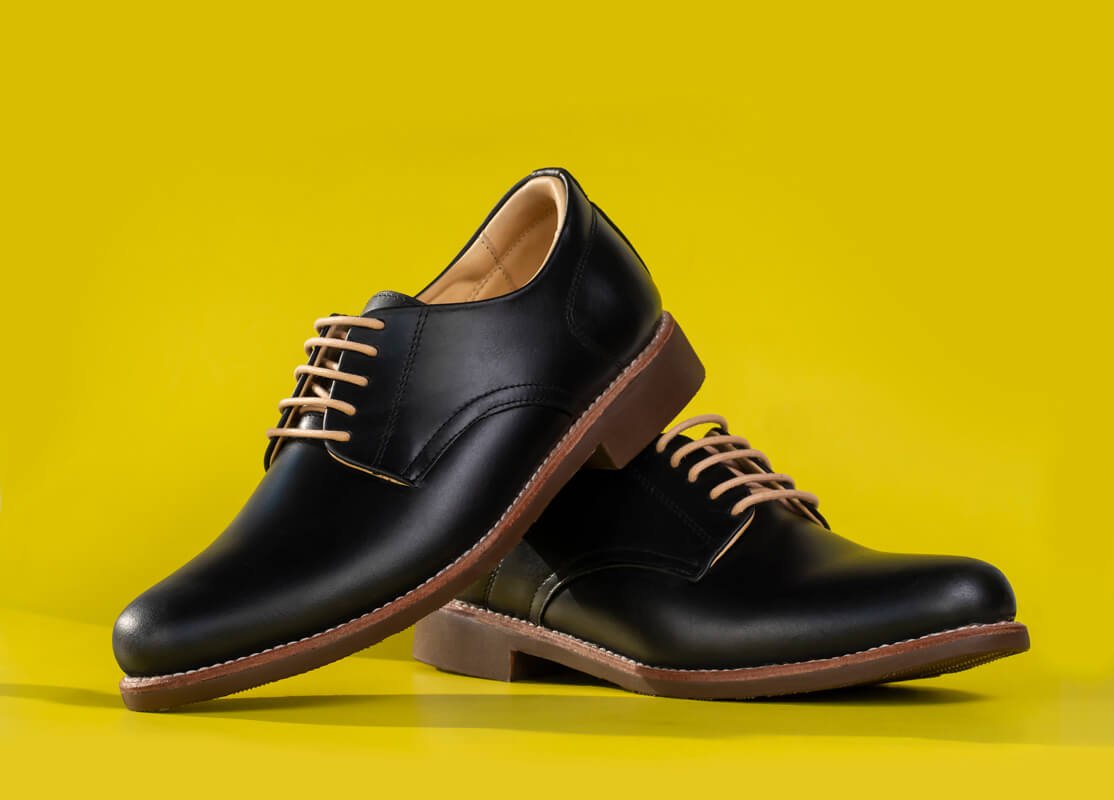
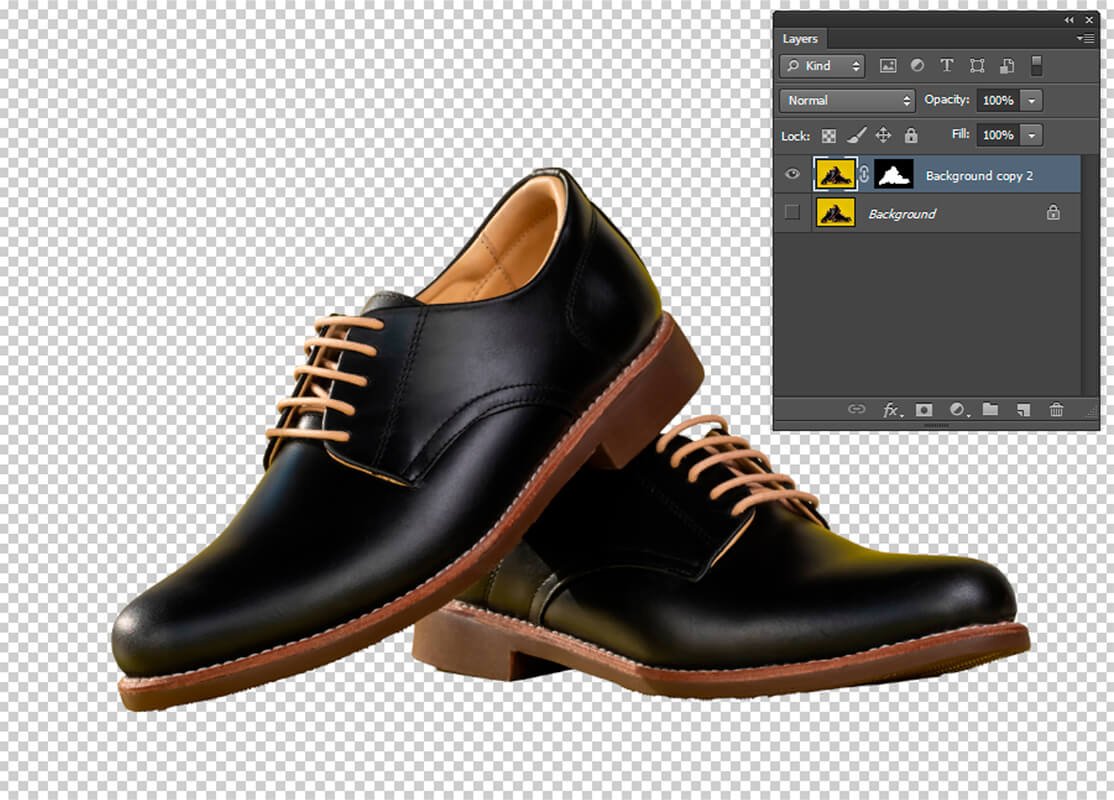
Layer masking allows the artistic process to cover and hide the parts of the phot that are not so good. With layer masking the blurry images, or the portions of the picture you do not want everyone else to see are covered, but the pixels that make up the photo are not compromised. This allows you to take someone, or something out of the picture, without diminishing the rest of the picture.
Alpha Masking Service
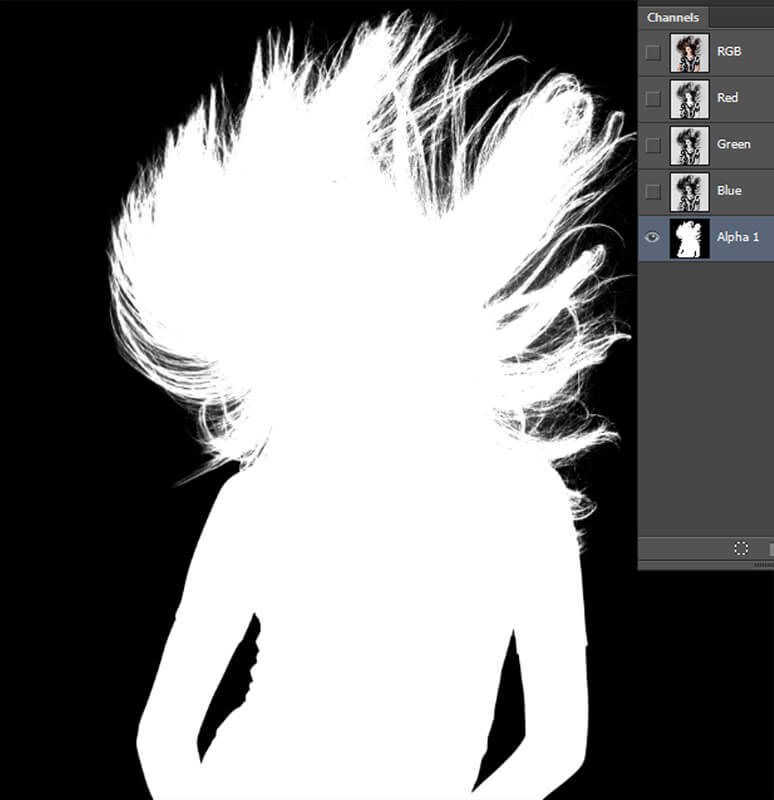
Alpha images are the images that a clipping service removes from a background. The alpha image is the image that you want to save so it can later be placed into another background, or manipulated so it has different colors, or prominent features. You can think of the alpha image as the blue-print that will be used to create all of the images in that picture group.
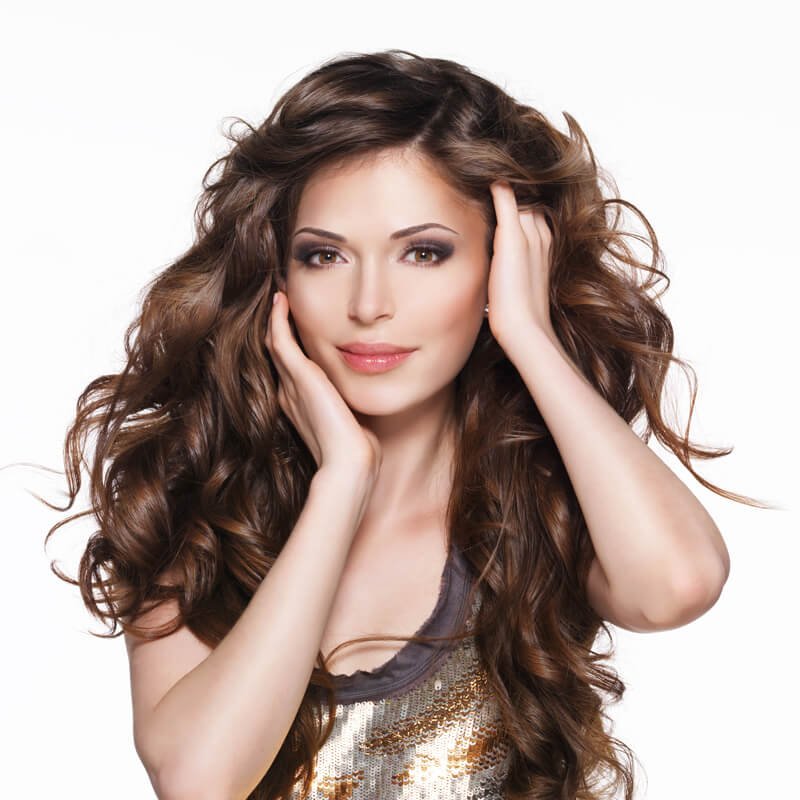
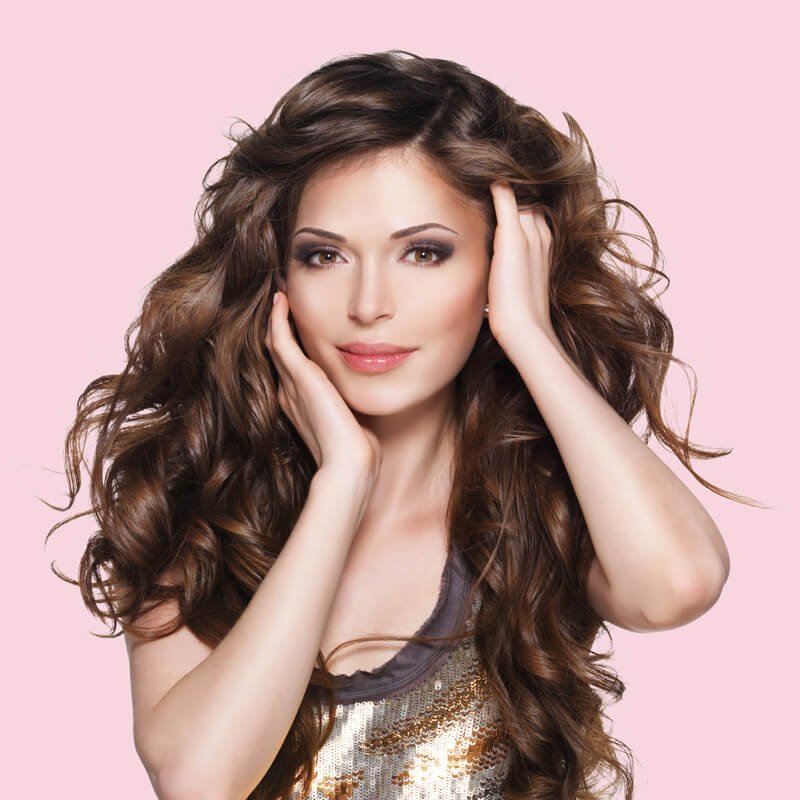
Fur & Hair Masking Service
Fur and hair masking is a difficult portion of the clipping services provided during image masking. Sometimes in a photo, the hair or fur in the background looks untamed, or you see wild hairs that you did not realize were present. The image masking service takes those wild hairs from the background leaving the model looking like she has a perfect hairdo.
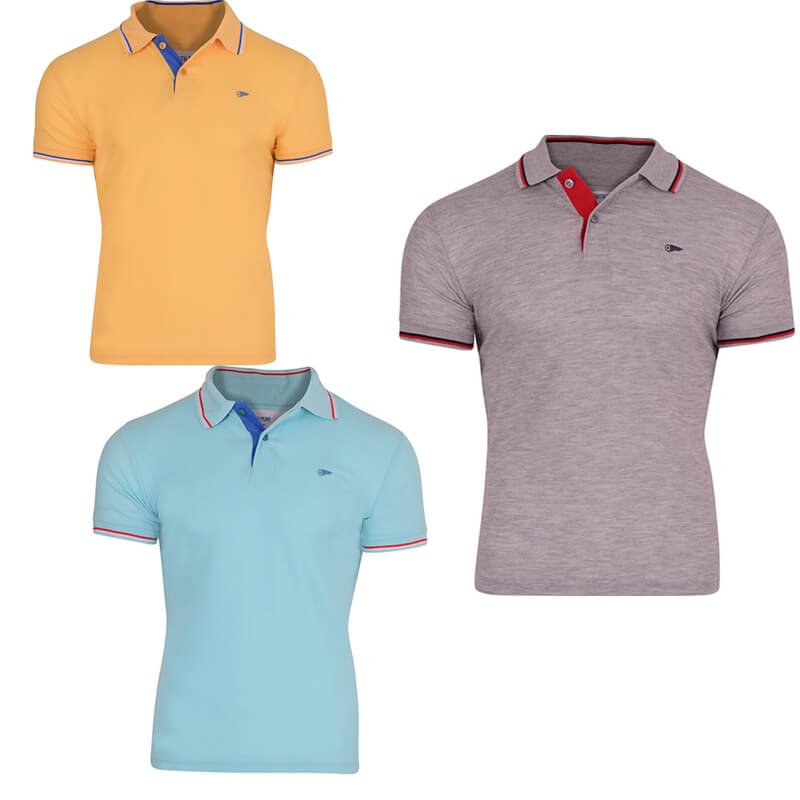
Transparent Masking Service
Transparent masking is the art of removing things like glass or transparent objects from an image. The removal is smooth and leaves an image that is attractive and shows no evidence of the removal.
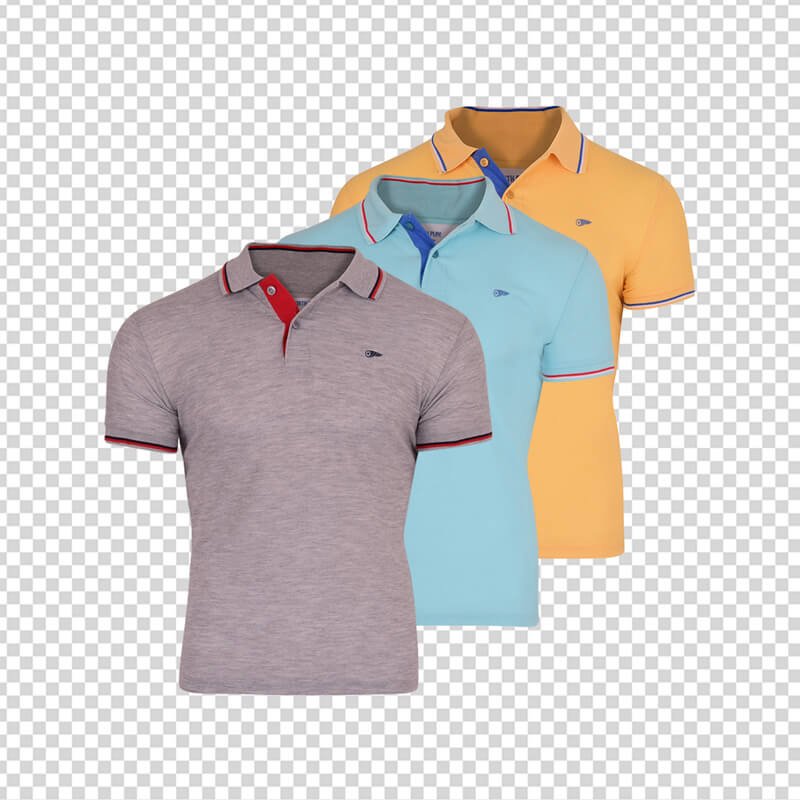
Collage Masking
Collage masking occurs when several independent images are grouped together to create one finished collage of pictures. It is an excellent way to use multiple product images, or multiple product varieties to create one visual photo. Collage grouping of phots creates a strong visual image of several things at one time.
What Is Image Masking Service?
Basically, an image masking service is a procedure that uses technology to manipulate phots by removing unwanted backgrounds or flaws. The most frequent use of this type of photo clipping is to remove a background and put the alpha image from the phot before another background. This procedure enhances the main portion of the photo and makes it clearer and more precise.
Image masking can take a photo of a piece of jewelry and change the background so the jewelry is more predominant in the picture. It can then change to color of the jewelry or make minor changes in the jewelry so that it looks as if you have taken pictures of several different pieces of jewelry.
It can be used on photos of objects or photos with living things in them.
Why the Image Masking at Clipping Path Effective?
Image masking and clipping paths are methods of editing a photo so only the best portions of the photo are seen. When you take a photo there is a chance that the lighting will not be perfect, or something in the background will be distracting. Image masking at Clipping Path allows for the lighting to be corrected, out of focus elements to be brought into focus, and distracting backgrounds to be changed. When the image masking is complete the phot is beautiful, and the image in the photo does not look altered or touched up.
Essential Tools in Photoshop for Masking
There are several different tools in photoshop that you can use to perform image masking. The quick selection tool is the most often used. It allows you to use a brush to touch any area of the image that you wish to save in your final layer.
The brush tool allows you to take white, grey or black and brush it onto the image that you saved as a mask.
The channels available on Photoshop allow you to correct the amounts of certain colors that exist in a photo so you can make the image look more aesthetically pleasing, or realistic.
Paths are probably one of the best tools because you trace the image using a pen tool and then you can change the scaled size of the image without changing the pixels in the photo. The paths allow you freedom to take an image, resize it and reposition it on the photo without making any drastic changes to the photo.
Appropriate people for Image Masking Services
The appropriate people for using a clipping service or image masking service are anyone that needs to remove a background like hair or fur and create a new looking image. Anyone who has an online service that sells anything can use an image masking service to create the best images of their products.
The appropriate people to hire to do this kind of work for you are the dedicated artist that can use the technology to manipulate images. You want to hire a service that is dedicated and professional. You want a service that is committed to creating the best image for your needs.
When an image service is dedicated, they will be able to work quickly, and effectively to create for their customers digitally remastered images that show exactly what the customer wanted to showcase.
The specialty of Clipping Express Photoshop Masking Service
The specialty of Clipping Express Photoshop Masking Service is the isolation and manipulation of portions of you phot to create a new and improved photo for you. They take the best parts of a photo and use them with new backgrounds and layouts to create the image you wish you had taken.
They specialize in image manipulation so they are prepared to establish proper paths, and masks that will showcase the main portion of the photo and make the unwanted portions fade into nonexistence.
Not Sure How To Rate Your Images
Upload a sample & we’ll tell you the rating
Related Services

Image Restoration
Photo Retouching
Starting From $0.28 USD
Shadow Creation
Starting From $0.28 USD
What is image masking?
Image masking is a procedure applied to photos to remove unwanted items like backgrounds from a photo. Photoshop software is used to remove the alpha image from the phot, then place that image on backgrounds that will make it stand out and look superb. With this technology a merchant can take the picture of a model wearing one sweater, then show the sweater in every color it is available in without taking a new picture for each color.
What is the layer mask in photoshop?
This is a method of hiding one layer of a photo. Layer masking is reversible so the photo does not have to be permanently altered or changed to make the new layer, or isolate part of the image.
This process allows a portion of the image to be removed and used in a different image or document. It gives you different views of the same photo and allows you to retain the original photo with all of its integrity.
Where is the mask button in photoshop?
To locate the mask button in photoshop you need to select the Layers panel. Then you choose one of the layers. At the bottom portion of the Layers panel you will see an option to add layer mask button. When you select this button a mask thumbnail in white will appear and show you everything that is isolated in that layer.
How do I use the masking tool in photoshop?
The masking tool can be used to soften the edges of an image or for cutting out pieces from the image. When you select the add layers mask button and the white thumbnails of a layer are revealed to you then you select your brush tool and can-do things like use black to hide layers of the photo, or gray to soften the layers of the photo.
Which images require image masking?
Images of clothing made of muslin or mesh may be distracted from if in the background there are translucent or glass objects. When you remove the translucent objects the image of the clothing becomes more detailed and distinguished. Images that have backgrounds that are too busy, or that are the wrong color are ideal for masking.
Images that require the object to be more predominant in the phot are ideal for masking. Images that have hair or fur in the background that is simply not as tame or attractive as you like are great candidates for image masking.
Can you provide me background remove service for soft edge product images like a blanket, hairy doll, etc.?
Yes, we can provide that background service. We can apply different image masking techniques to remove background images or soften portions of the background in your photo. We can take the portions you do not want and replace or layer over them so you get the photo you wanted.
Purana Paltan
Dhaka-1219, Bangladesh
+880 1845 782 291
Sat-Tue 10:30am-6:30pm
info@clippingexpress.com
24 X 7 online support